
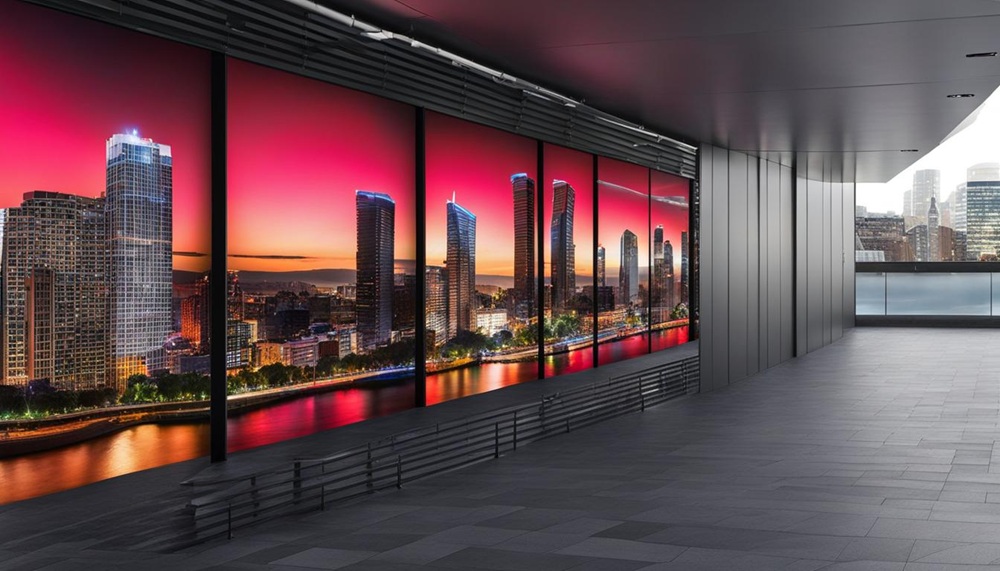
Understand how LED displays work, the advantages of LED technology, and the key factors to consider before installation.
Each pixel in an LED display uses three individual standard LEDs in different colors. An LED video wall combines multiple LED modules to form a large, seamless display surface.
Compared with other display technologies, LED displays offer superior brightness and color reproduction.
When installing an LED display, many factors must be considered, including available space, pixel pitch, intended viewing distance, environment, and maintenance requirements.
Choosing the right display technology for your next project is not simple. If you are considering an LED display (also known as an LED video wall), read on to understand how video walls work, the advantages of LED technology, and the seven key factors to evaluate before installation.
How Do LED Displays Work?
Each pixel in an LED display consists of three standard LEDs—red, green, and blue (RGB). These LEDs can be integrated into a Surface-Mounted Device (SMD). Each color LED (also known as a sub-pixel) receives an independent driving signal based on the video content, enabling the display to produce millions of colors.
LED video walls use modular panels or cabinets to build large display areas. Each cabinet contains multiple LED modules with circuit boards and electrical connections to ensure every pixel receives its unique RGB drive signal and power supply.
The diagram shows a typical LED cabinet assembly. From left to right: the LED module, the cabinet containing the power supply, receiving card, and hub board, and the cabinet cover.
The modular design simplifies maintenance. If an LED fails, only the affected module needs to be replaced rather than the entire wall. Modules are typically installed within cabinets that house the power supplies and control electronics. Some tiled systems separate the power supply and control electronics into external housings connected to the LED module frame. Other products place processing units outside the cabinet entirely.
What Are the Advantages of LED?
LED technology offers several distinct advantages:
Brightness
LED displays screen provide a brightness range unmatched by most other technologies—from under 2,000 nits (cd/m²) up to 12,000 nits. This high brightness is especially beneficial in environments with strong ambient light, such as lobbies and atriums. For large-scale applications, alternative technologies either cannot achieve comparable brightness or require more complex systems (such as multi-projector setups).
Color Reproduction
LED displays deliver a wider color gamut, more vibrant colors, sharper images, and more lifelike visuals, making them ideal for applications that demand high color accuracy.
Seamless Image
One of the primary advantages of LED video walls is their nearly seamless image performance. LED panels are designed to fit tightly together without increasing the pixel distance between adjacent modules. At normal viewing distances, the seams between cabinets are virtually invisible.
What Should You Consider Before Installing an LED Display?
When designing an LED display, several critical factors must be evaluated during the planning stage.
Below are the seven most important considerations:
1. Space
Space may be the most important factor in LED display installation. It influences nearly every other decision. Carefully evaluate the dimensions and mounting location of the planned display wall to ensure optimal visibility.
Consider multiple viewing angles within the space to ensure clear visibility for all viewers. Certain LED video wall solutions, such as MicroTiles® LED, can be arranged in nearly unlimited configurations, including 90-degree inside or outside corners, concave or convex curves, and even 3D shapes, offering expanded application possibilities.
2. Structure
You must consider the size and weight of the LED screen and verify that the wall or mounting surface can support the load safely.
3. Pixel Pitch
Pixel pitch options vary widely. The ideal choice depends on your application requirements and viewing distance. Smaller pixel pitches provide higher resolution and better clarity, suitable for environments such as control rooms. For longer viewing distances, such as corporate lobbies, ultra-fine pixel pitch may not be necessary.
4. Viewing Distance
There is no rigid rule defining the optimal viewing distance for each pixel pitch. Selecting the appropriate pixel pitch maximizes display performance and ensures the best viewer experience. Even when individual pixels are indistinguishable at standard viewing distances, the video wall can still deliver stunning visuals with vivid brightness, vibrant colors, and strong contrast.
5. Power Supply and Connectivity
Ensure sufficient power capacity is available and properly manage all video input, power, and control cables.
6. Brightness and Environment
Environmental conditions must be considered to properly adjust brightness levels, avoid glare, calibrate colors, and ensure accurate panel alignment for seamless visuals and uniform brightness across the entire display.
7. Cooling, Ventilation, and Maintenance
Proper cooling and ventilation are essential to prevent overheating, particularly in large installations. Depending on your application, you may need to plan front-service access for easier maintenance, minimizing downtime by eliminating the need to dismantle the entire structure.
Post time: Feb-28-2026